The original behind your brochure. Compare it with the print in your hand.
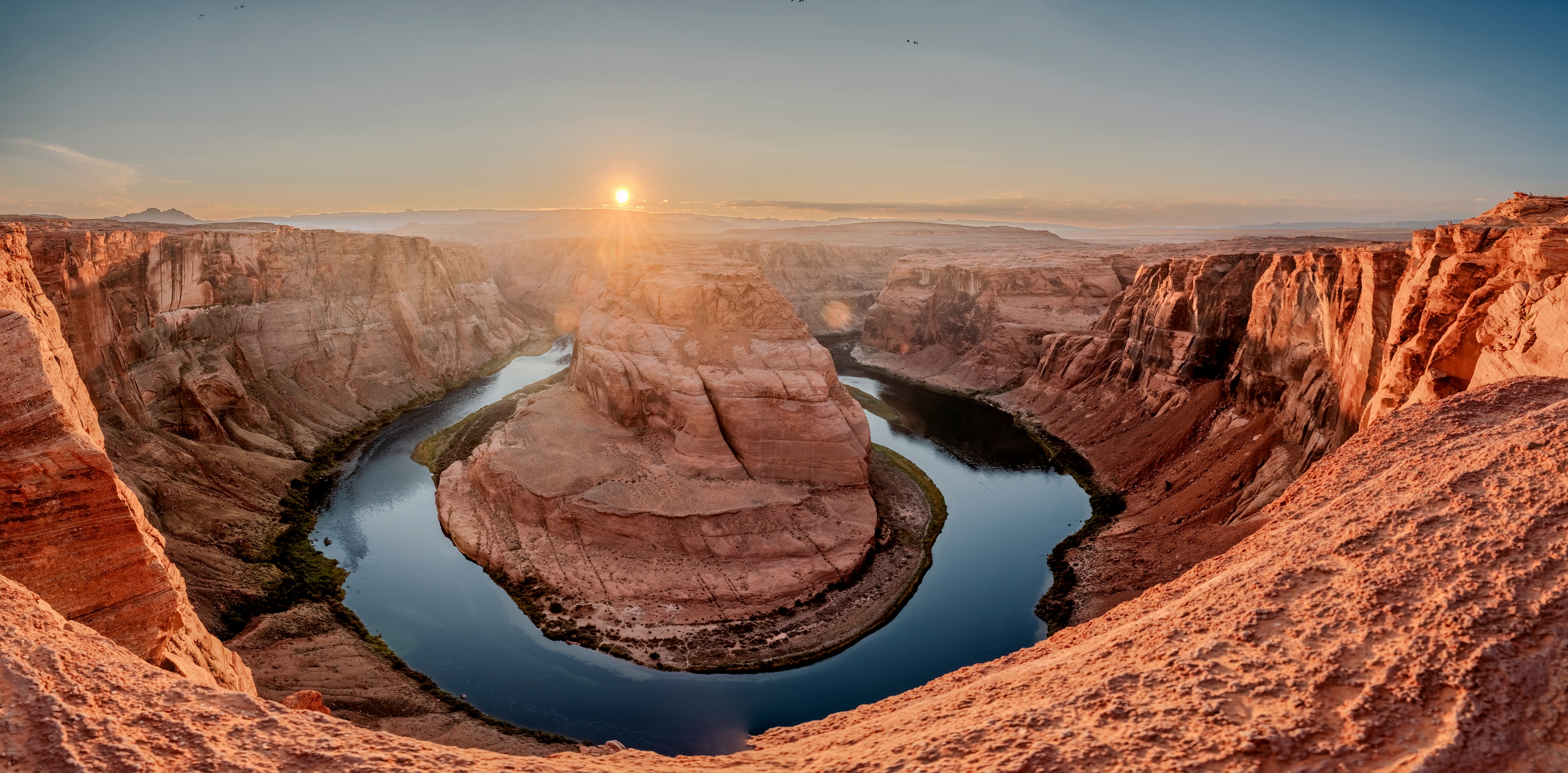
If the sky looks like the Source SDR version below, you’re not seeing HDR.
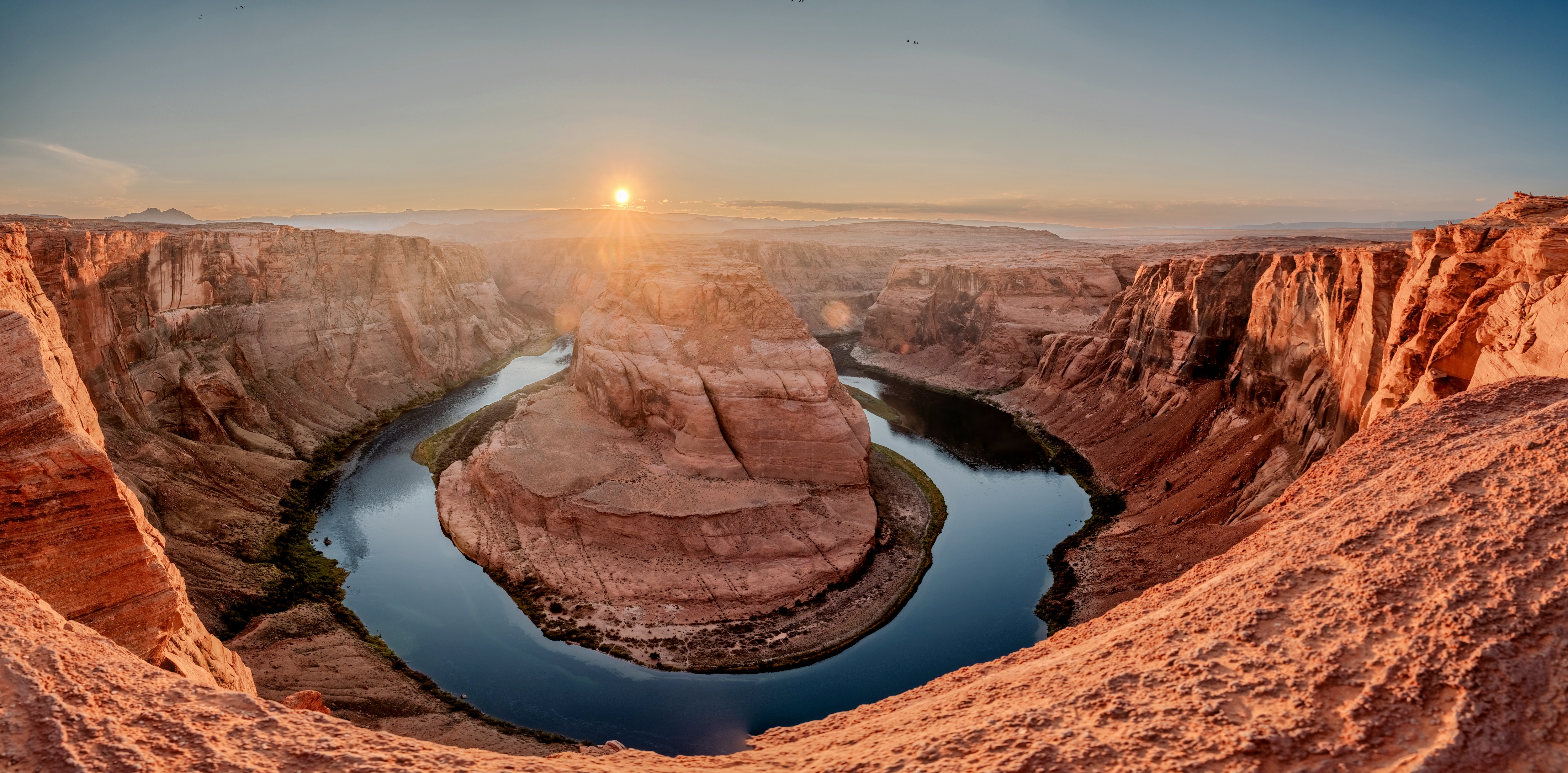
JPEG with HDR gain map · 8.8 MB. On Android, open it in Google Photos.
Same photo. Why does it look different?
Many recent phones save photos as HDR by default. Paper, most apps and screens without HDR show a standard (SDR) version instead — and that’s the version your customer ends up holding. What matters is how it’s made.
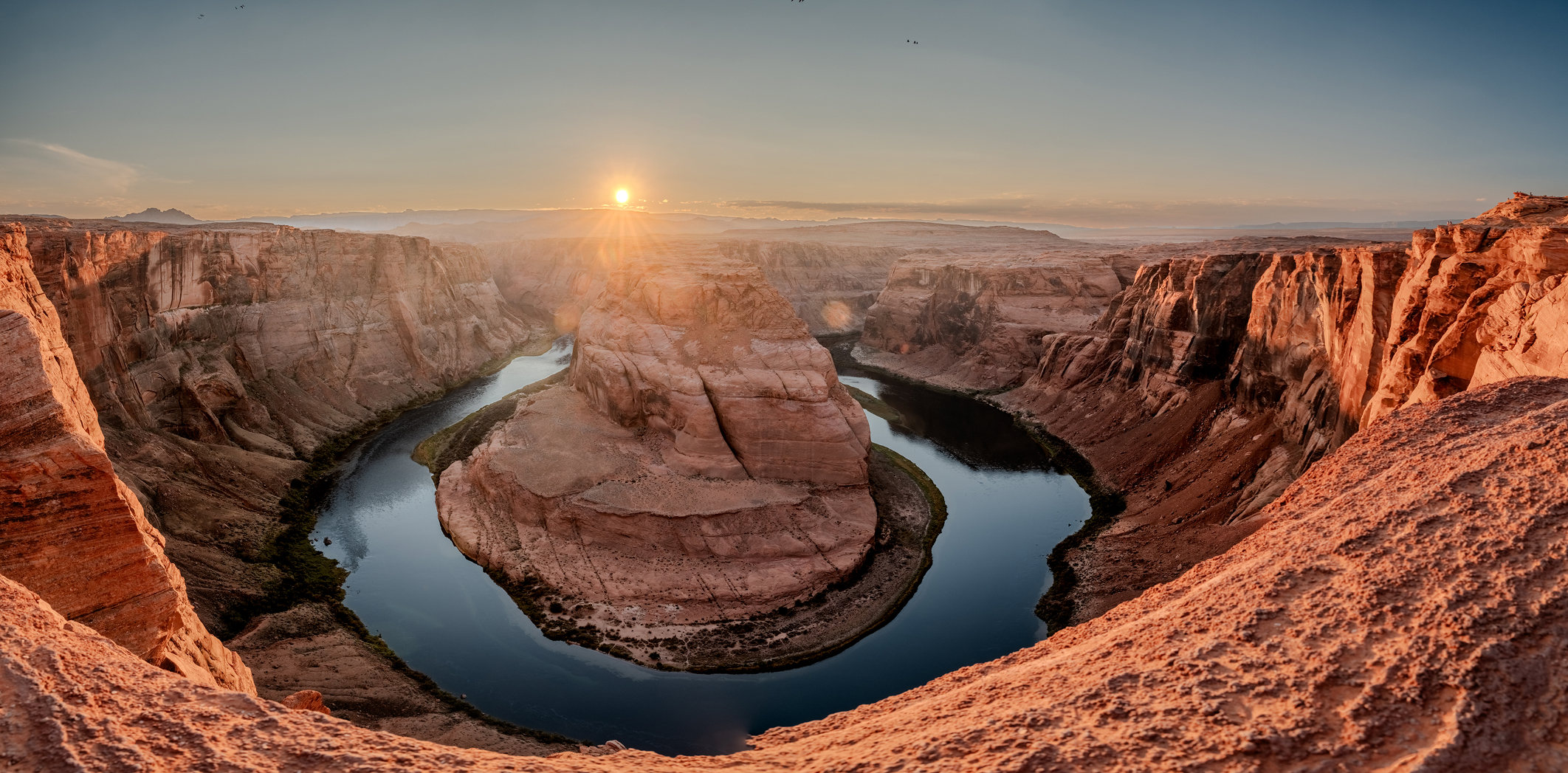
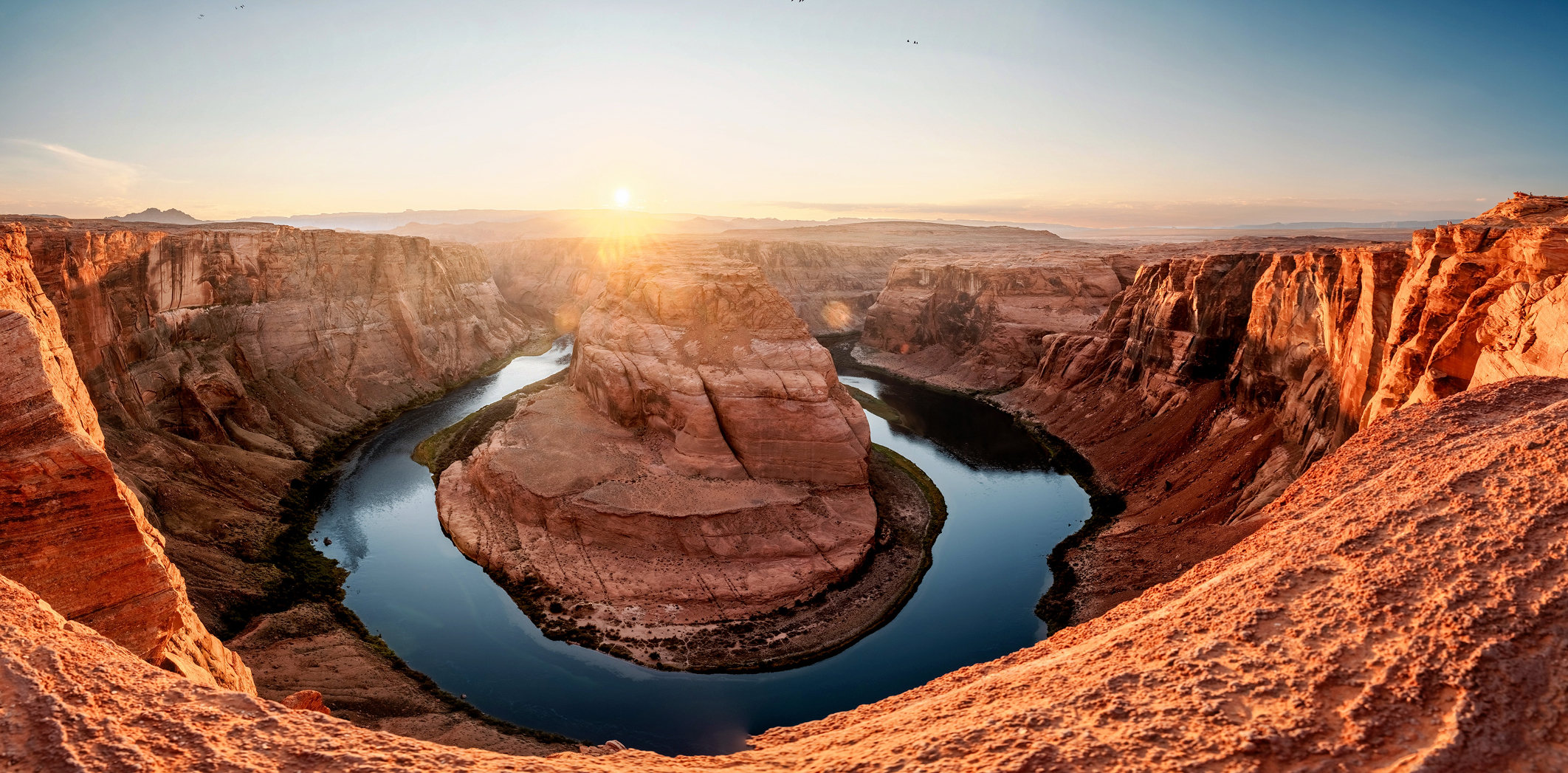
Viesus reads the full HDR data and decides, image by image, which highlights to keep — automatically, at production volume.
Talk to us about HDR in your workflow →
HDR to print
Why the same file looks right on a phone and wrong on paper.
Wake-Up Call: From Ten Images to Ten Million
Our morning session on keeping image quality consistent as production scales. Ten images are a demo. Ten million are an infrastructure decision.
Reserve a seat